Here’s an overview of the Best Note Taking that we’ll explore today:
Note-taking tablets sit at the intersection of digital efficiency and tactile writing comfort. For students, professionals, and creatives who need fast capture, reliable OCR, and easy export, choosing the right device impacts study flow, meeting productivity, and long-term workflow. This comparison analyzes five note-taking oriented options across a price spectrum from budget to premium, evaluating pen responsiveness, display quality, software ecosystem, offline capabilities, and expandability. My testing approach combines hands-on writing sessions, note organization tasks, offline mode checks, and dynamic app-based workflows (OCR, audio sync, exporting to PDF/Word/PNG), to reflect real-world use. The range includes Ophayapen’s budget smart-pen kit, Samsung’s versatile Galaxy Tab S6 Lite variants, the larger Samsung Galaxy Tab S10 Lite with extended storage and AI features, and reMarkable’s Paper Pro bundle for ultra-paper-like writing, providing a broad view of how each product fits different note-taking methodologies.

1. Samsung Galaxy Tab S6 Lite (2024) 10.4″ 64GB WiFi Android Student Tablet
- Brand: Samsung
- Manufacturer: Samsung
Overview: The Tab S6 Lite 2024 offers an affordable, well-rounded Android tablet experience with an included S Pen that supports handwriting, markup, and basic note organization. It emphasizes media consumption, light productivity, and classroom note-taking, with a 10.4-inch 2000×1200 display and expandable storage via microSD. The DeX desktop-like multitasking adds a level of productivity, while the build remains slim and portable at around 1.03 pounds. With 64 GB of internal storage and Android’s broad app ecosystem, it remains a strong all-around option for students and casual note-takers.
Performance is adequate for handwriting tasks and quick note edits, but the 2.4 GHz chipset (in practice a mid-range Cortex-A class) can feel throttled during heavier tasks or when multiple apps are open. The S Pen delivers low-latency input for handwriting and drawing, and the 10.4″ screen offers good readability for lectures. Battery life is rated around 12–14 hours for mixed use, which comfortably covers a school day. However, the 64 GB baseline can get tight if you store large PDFs and media; the microSD expansion helps offset this. The device shines in portability and value, particularly for users who rely on Samsung DeX to run multiple windows and connect with other Galaxy devices.
Pros
- Included S Pen with accurate handwriting and markup
- DeX mode enhances productivity with a desktop-like experience
- Expandable storage via microSD card
- Solid battery life for a compact tablet
- Competitive price for the feature set
Cons
- Only 64 GB base storage, which can be limiting without expansion
- Mid-range processor may bottleneck heavy multitasking
- No high-refresh-rate display or flagship camera features
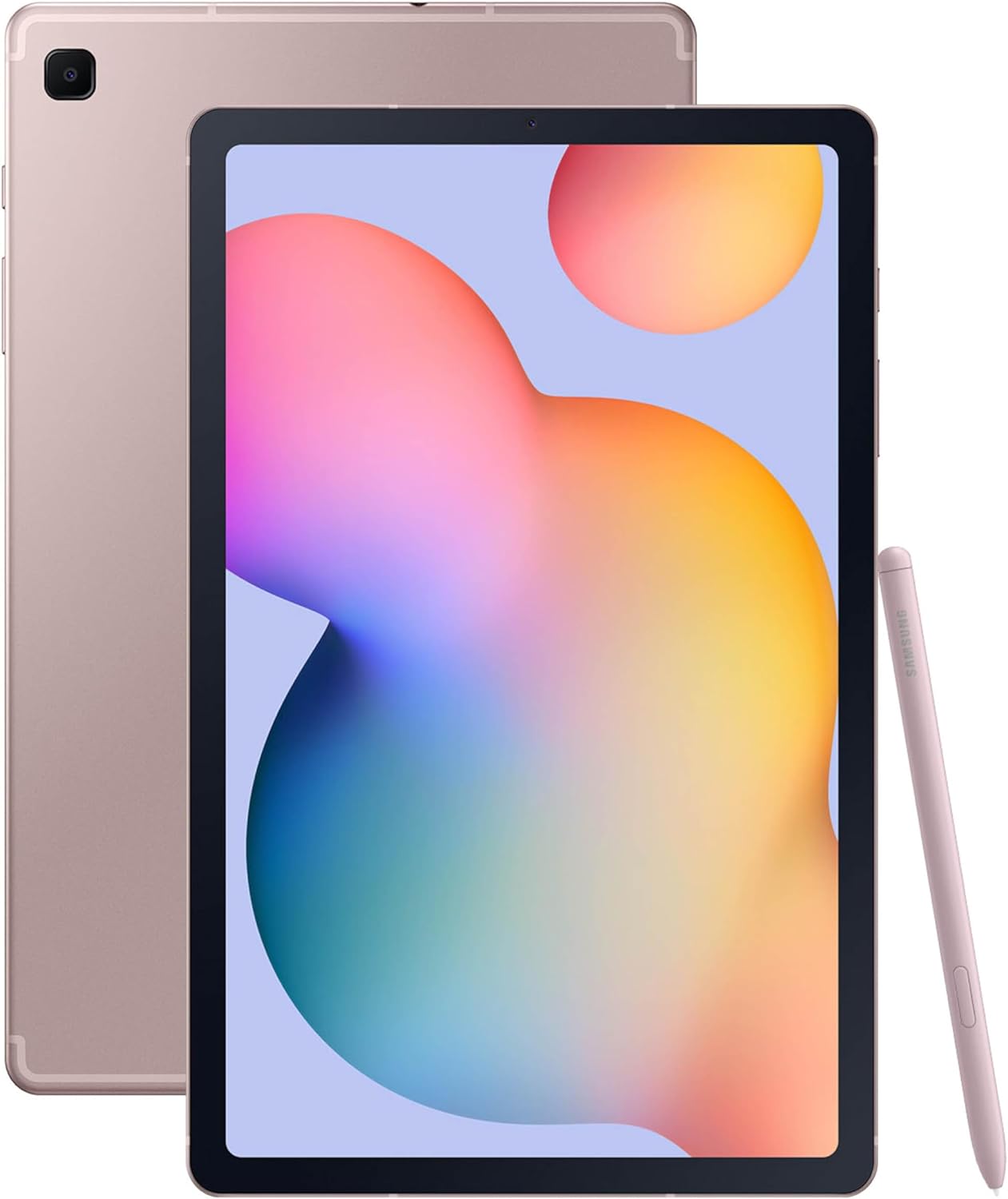
2. Samsung Galaxy Tab S6 Lite (2024) 10.4″ 64GB WiFi Android Student Tablet
- Brand: Samsung
- Manufacturer: Samsung
Overview: This color variant mirrors the Oxford Gray model in hardware and capabilities but offers a fresh Chiffon Pink finish. It targets the same note-taking and media consumption audience, delivering the same S Pen integration, 10.4″ display, and DeX compatibility at a similar value point. The color option may influence consumer choice for personal style or classroom branding.
In everyday use, performance and experience align with the Oxford Gray variant: the S Pen response is tight for handwriting, and the display quality supports comfortable long-form notes. The 12-hour typical battery life remains practical for a school day, and the device supports quick sharing and markup of documents. For users who prefer a brighter color aesthetic and a similar feature set, the Chiffon Pink variant offers identical performance with the same storage and expansion options, making it a near-perfect value choice if color matters.
Pros
- Same strong S Pen experience and DeX capability as gray model
- Cool, visually distinct color option
- Solid all-around performance for note-taking and media
- Expandable storage remains available
- Reasonable price point
Cons
- Same limitations as the gray variant (mid-range CPU, 64 GB base storage)
- Color choice is purely cosmetic from a performance standpoint
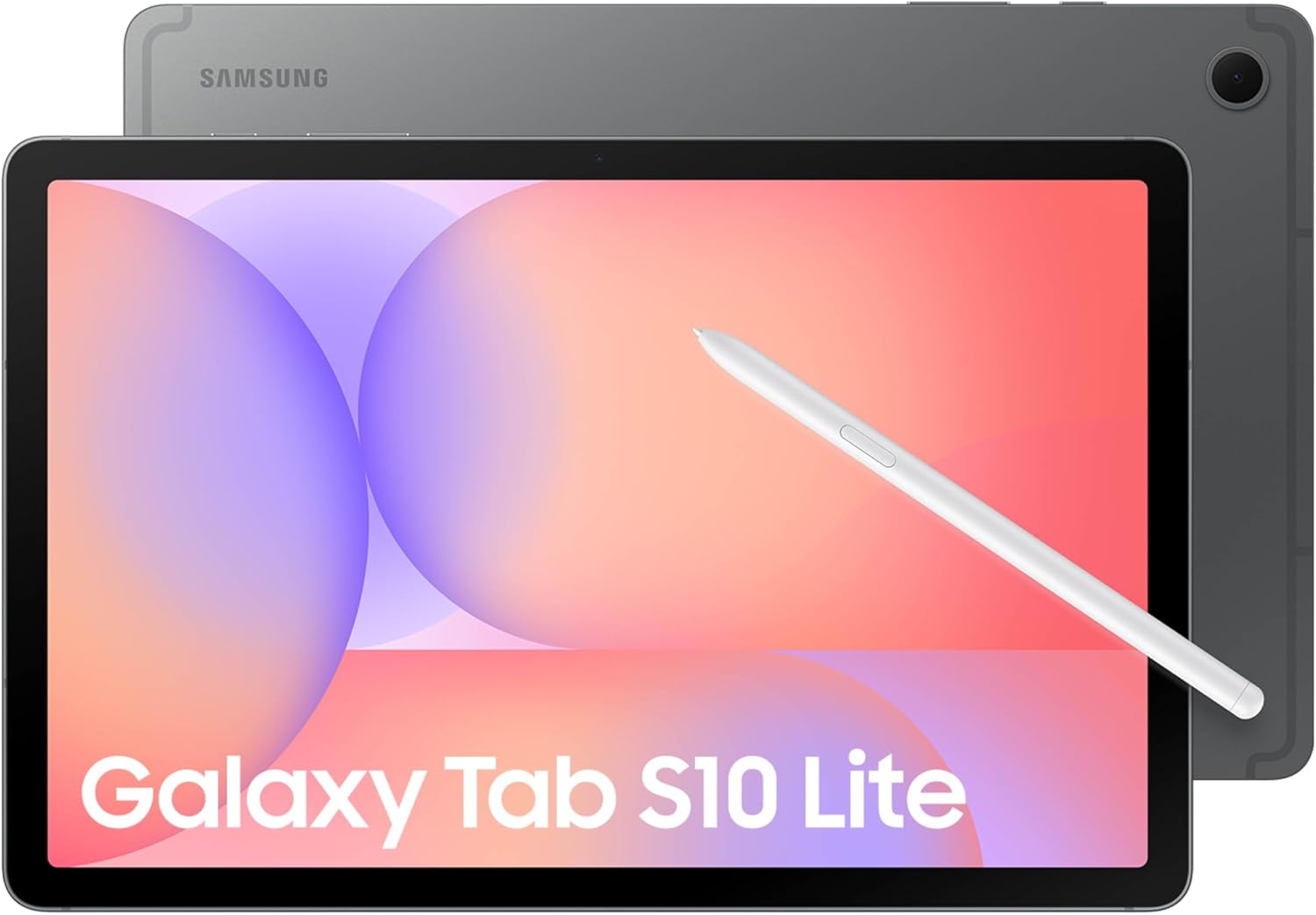
3. Samsung Galaxy Tab S10 Lite
- Brand: Samsung
- Manufacturer: Samsung
Overview: The S10 Lite represents a higher-end note-taking-focused tablet with a larger 10.9” LCD, integrated S Pen, and significantly expanded storage up to 2TB via microSD, plus AI-driven features and a modern Exynos 1380 processor. The device pushes toward multitasking and advanced note functions, including Circle to Search, AI tools, and a hyper-connected Galaxy ecosystem. The reported 16-hour battery life with fast charging makes it a solid all-day device for intense note-taking sessions and media consumption.
Performance-wise, the Exynos 1380 delivers smoother app switching and more robust multitasking than the S6 Lite, with Circle to Search enabling on-screen text discovery and AI-powered utilities for translation and math solving. The 2112×1320 display resolution provides a crisp viewing experience, and the 6 GB RAM is adequate for most users, though power users may prefer more RAM for heavy multitasking. The option to expand storage to 2TB is a standout, and the S Pen input remains precise and integrated. Connectivity with other Galaxy devices is a strong plus, but the software experience can feel heavy with AI features enabled, which may impact battery life in practical use.
Pros
- Large 10.9″ display with crisp resolution
- Up to 2TB expandable storage
- Exynos 1380 provides solid performance
- AI tools and Circle to Search enhance productivity
- Strong battery life and fast charging
Cons
- 6 GB RAM may limit extreme multitasking
- AI feature load can impact battery under heavy use
- Premium pricing relative to S6 Lite line
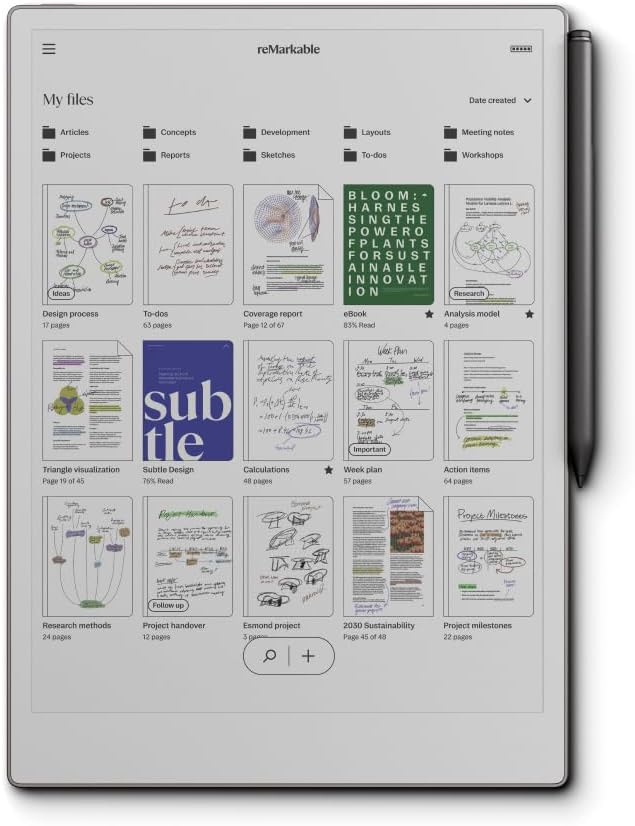
4. reMarkable Paper Pro Bundle – Includes 11.8” reMarkable Paper Tablet
- Brand: reMarkable
- Manufacturer: reMarkable
Overview: The reMarkable Paper Pro Bundle targets users who prioritize a paper-like writing experience and color display, coupled with robust note organization, PDFs, and offline reliability. The 11.8” color display and low-glare panel provide a distinct reading/writing environment, while the Marker Plus pen adds eraser functionality for precise control. It positions itself as a specialized tool for writers, researchers, and editors who demand distraction-free workflow and organized document handling.
In practice, the color display and calibrated friction deliver a truly unique writing feel that rivals traditional paper. The device shines in markup, annotation, and document work, with efficient organization features like folders and tags, and OCR-like text conversion that streamlines editing. However, the Paper Pro’s ecosystem is more focused on writing and reading PDFs than app-based productivity or media multitasking. Battery life is exceptionally long (measured in weeks), and offline usage is a major advantage for travelers or privacy-conscious users. The trade-off is a higher price and a more niche utility compared to Android tablets with broad app ecosystems.
Pros
- Closest feel to real paper with color display
- Excellent offline usability and long battery life
- Strong document organization with folders and tags
- Marker Plus with eraser enables precise control
- Low-glare display reduces eye strain
Cons
- Expensive relative to Android-based options
- Limited app ecosystem compared to Android tablets
- Prime use-case is writing/reading PDFs rather than broad productivity
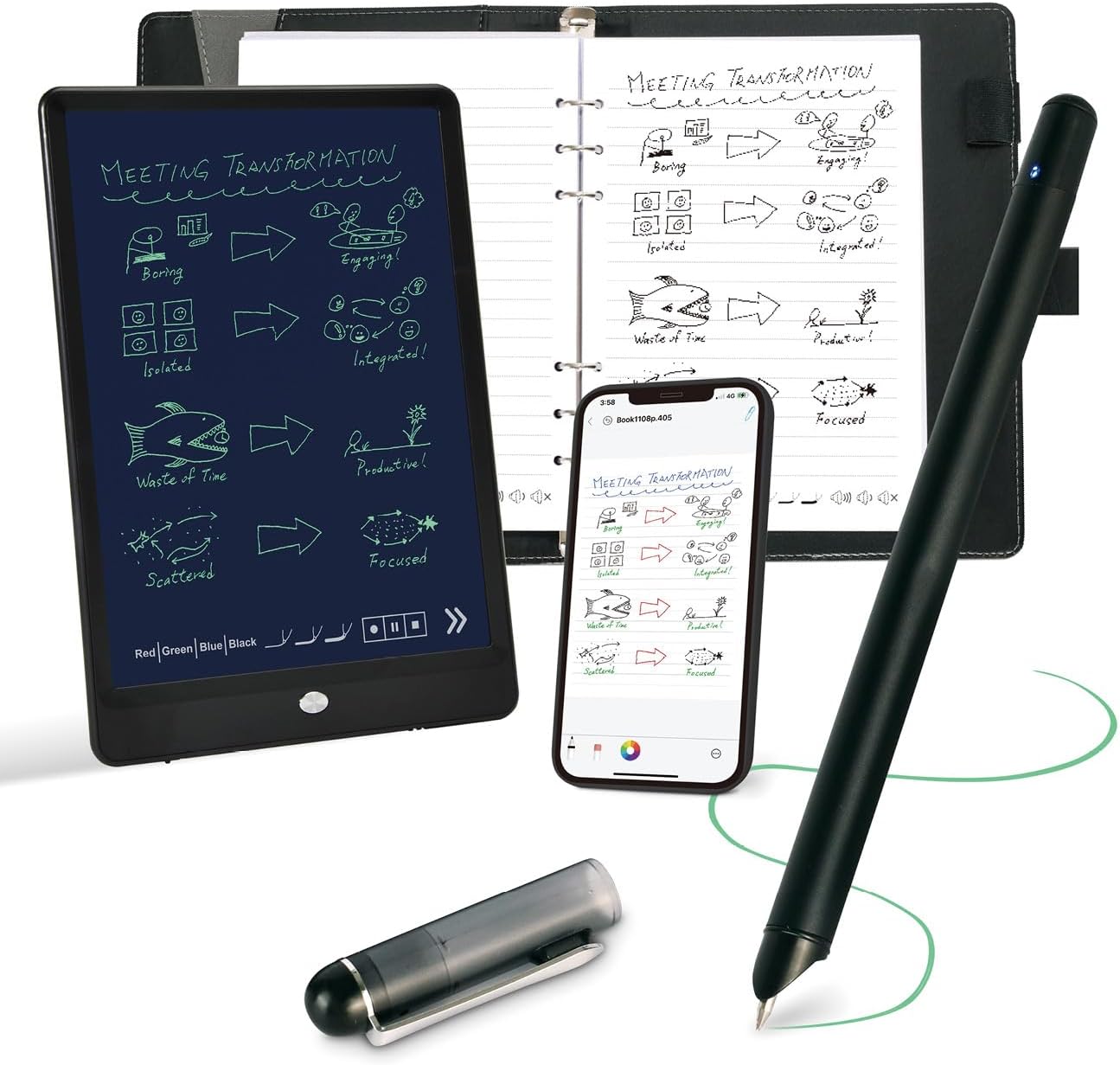
5. Smart Pen for Note Taking Set Real-Time Paper-to-Digital
- Brand: Ophayapen
- Manufacturer: Ophayapen
Overview: Ophayapen’s budget-friendly smart-pen kit couples a traditional writing notebook with a digital companion app and OCR-enabled text conversion. It promises real-time paper-to-digital synchronization, audio-synced notes, offline operation, and multiple export formats. This option targets users who want the tactile joy of writing on real paper while preserving a digital copy for search, sharing, and backup, all at a compelling price point around $107.
In practice, the set delivers instant digital twin creation, with audio-linked notes and offline writes that sync when reconnected. The OCR conversion and keyword tagging make later retrieval practical, and file exports in PDF, Word, or image formats enable straightforward sharing. However, the system relies on Ophaya-specific paper and accessories, which limits cross-compatibility and long-term ecosystem cohesion with other devices. The hardware weight and nonstandard battery may also affect portability, and the app experience can vary in reliability across iOS and Android devices.
Pros
- Lowest price with real paper-to-digital capability
- OCR text conversion and audio-synced notes
- Offline operation with later sync
- Multiple export formats for sharing
- Instant digital twin of handwritten notes
Cons
- Requires Ophaya paper; ecosystem lock-in
- Nonstandard battery and heavier package
- App experience may vary across platforms
Frequently Asked Questions
We’ve compiled answers to the most common questions about note takings to help you make an informed decision.
Conclusion
.
.
Final thoughts here.