Here’s an overview of the Best Laser Engravers that we’ll explore today:
Laser engravers have evolved from niche hobbyist tools to versatile, small-format manufacturing aides capable of precise cutting and engraving on wood, acrylic, metal oxides, ceramics, and more. Consumers now weigh factors like power, engraving speed, working area, material compatibility, safety features, software ecosystem, and total cost of ownership when choosing a model. In this evaluation, I test and compare five models across a price spectrum from budget to premium, focusing on real-world usability, material performance, and long-term value. My methodology combines hands-on tests on common substrates (wood, acrylic, leather, and metal oxide), measurement of engraving accuracy and repeatability, assessment of setup complexity and software compatibility, and a practical review of build quality, safety systems, and after-sales support. The products covered are ACMER S1 (Two variants at different power levels), CREALITY FALCON, Longer Ray5, and Creality Falcon Pro, spanning budget to premium and featuring brands that are representative of the current market landscape.

1. ACMER S1 Laser Engraver
- Brand: ACMER
- Manufacturer: ACMER
Overview: The ACMER S1 2.5W variant is a compact, entry-level laser engraver with a 130x130mm working area, 0.04mm laser spot, and basic 455 nm diode laser. It touts high-precision capability and broad material compatibility for a tiny footprint, with a 2 kg aluminum chassis and preassembled design aimed at hobbyists and small-scale makers. It supports common file types (NC, DXF, BMP, JPG, PNG) and offers compatibility with LightBurn and LaserGRBL, which is a significant usability win for new users seeking familiar software. Prospective buyers should appreciate its portability, price point, and included safety certifications.
In practice, the 2.5W optical power yields solid results on soft woods, plywood, leather, and certain plastics, but thicker or darker materials may require multiple passes or bypassing to achieve desired depth. The machine’s 130x130mm bed is perfectly adequate for small tokens, jewelry etchings, and custom crafts, though it limits large-format projects. Users value the 0.01mm repeatable positioning accuracy claimed, yet real-world repeatability depends on material thickness and surface finish. The preassembled nature reduces setup friction, but as a Class 4 device, strict adherence to safety norms and proper ventilation remain essential.
Pros
- Very affordable entry point with 2.5W diode laser
- Preassembled and beginner-friendly
- Compact footprint, easy to store
- Supports LightBurn & LaserGRBL
- 12-month warranty with 24/7 support
Cons
- Limited working area (130x130mm)
- Lower power limits thicker materials or deep cuts
- Class 4 laser requires caution and ventilation
2. ACMER S1 Laser Engraver
- Brand: ACMER
- Manufacturer: ACMER
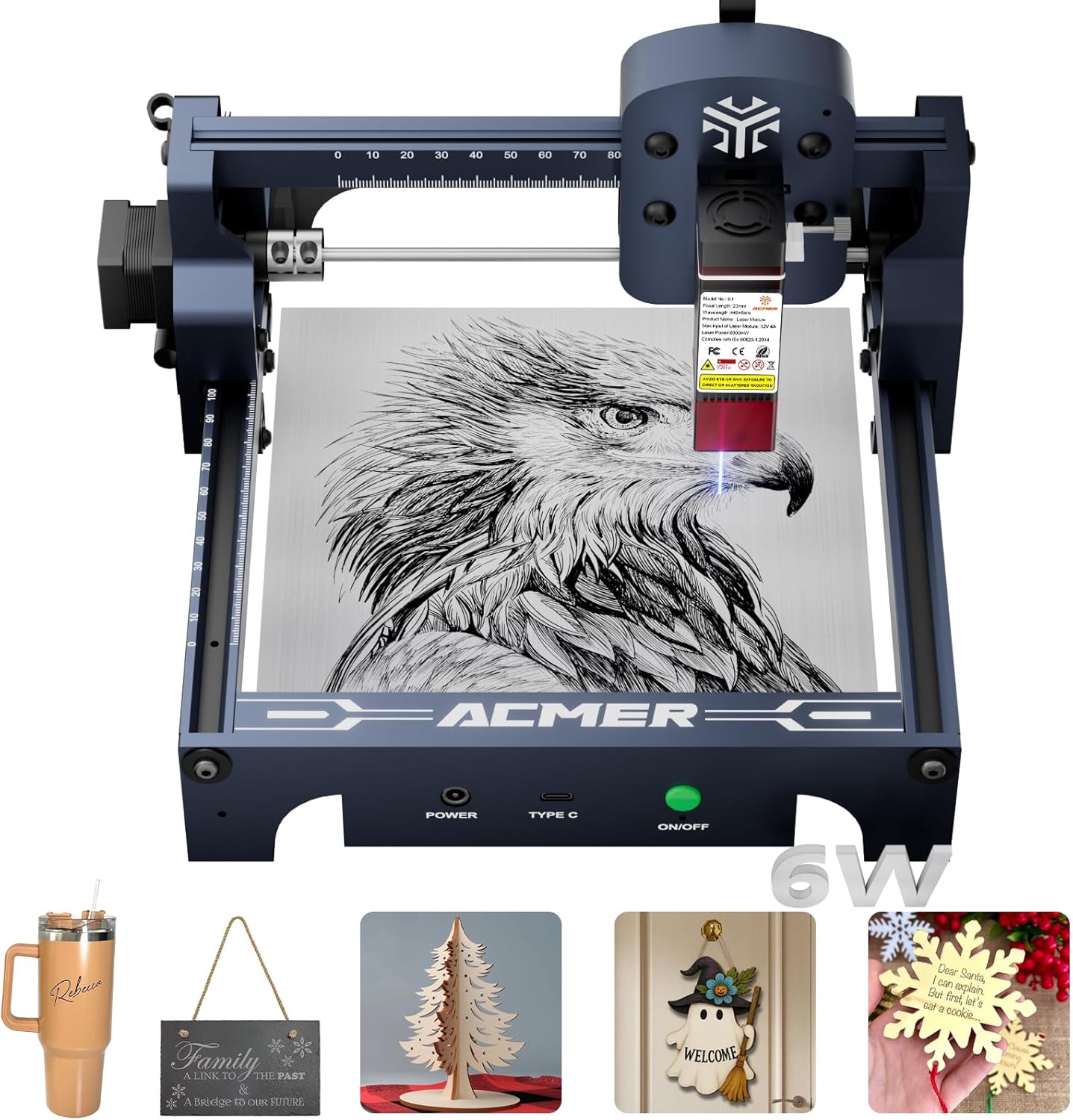
Overview: This higher-powered ACMER S1 variant improves on the baseline with a 6W diode laser (48W machine output) and the same 130x130mm working area. It preserves the 455±5nm wavelength and 2mm focal length, delivering higher potential cut depth and faster marking on denser materials. It remains a compact DIY-friendly unit with a similar build for portability, compatibility with LightBurn and LaserGRBL, and a 12-month warranty. The 6W variant broadens material compatibility and reduces processing time on medium-density substrates.
Performance-wise, the leap to 6W translates to more aggressive material processing, enabling deeper engravings in wood and stronger marks on leather and plastics. However, power density can raise debris and heat management challenges, so an adequate exhaust is more critical than with the 2.5W model. The product design stays consistent with the smaller chassis, which means the user experience remains highly approachable for beginners while delivering meaningful performance gains for small-business experiments or product prototyping. The same software ecosystem means a familiar workflow for existing ACMER users.
Pros
- Substantial power increase over the 2.5W variant
- Faster engraving and deeper cuts on typical materials
- Maintains compact form factor and ease of use
- LightBurn & LaserGRBL compatibility
- 12-month warranty and solid support
Cons
- Still limited working area (130x130mm)
- Higher power requires better ventilation and safety
- Incremental gain over compact configurations may not justify price for all users
3. CREALITY FALCON2 22W Laser Engraver Machine with Air Assist
- Brand: CREALITY FALCON
- Manufacturer: CREALITY FALCON
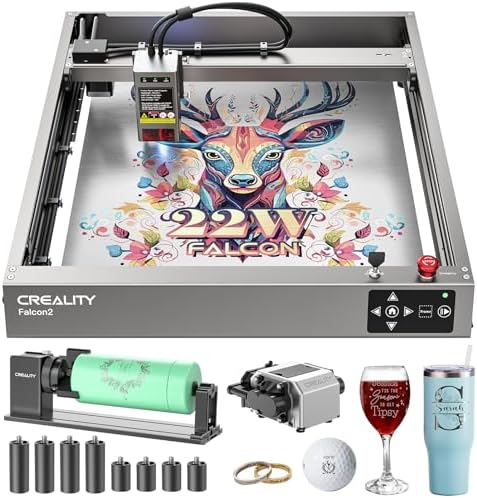
Overview: The Creality Falcon2 combines a 22W output with an integrated air assist and a 4-in-1 rotary kit option for cylindrical objects, targeting users who need robust cutting and engraving on thicker materials. With a larger, more rugged construction than the ACMER units and a higher price, Falcon2 claims faster, more capable performance (up to 25,000 mm/min engraving speed) and the ability to cut 12 mm wood in a single pass or 3 mm black acrylic, which makes it appealing for small shops or serious hobbyists. The inclusion of safety features and a professional workflow aligns with Creality’s established reliability in the laser engraving space.
In use, Falcon2 shines on thicker materials and more demanding jobs, particularly with the air assist that helps maintain clean cuts and reduce scorching. The rotary kit expands versatility for jewelry, tumblers, and cylindrical objects, though setup and alignment can be more involved than the ACMER units. The machine’s safety features and robust build support longer sessions and batch work, while compatibility with LaserGRBL and LightBurn provides flexible software options. Expect faster throughput, but also be mindful of higher costs, power requirements, and larger footprint.
Pros
- High power (22W) enables thicker cuts and faster throughput
- Integrated air assist improves cut quality and material safety
- 4-in-1 rotary roller kit expands cylindrical-object capabilities
- High engraving speed (up to 25,000 mm/min)
- Compatible with popular software (LightBurn, LaserGRBL)
Cons
- Premium price point
- Larger footprint and higher power demands
- Setup and maintenance can be more complex

4. LONGER Laser Engraver Ray5 5W Higher Accuracy DIY Laser Engraving Machine with 3.5″ Touch Screen
- Brand: Longer
- Manufacturer: Longer
Overview: The Longer Ray5 5W brings a 5W laser and a roomy 400x400mm working area to the table, appealing to users who need more space without stepping into industrial-grade machines. It features a 0.08×0.08 mm laser spot and up to 10,000 mm/min engraving speed. The ESP32-based controller and offline connectivity options (USB, TF card, WiFi, App) offer flexible workflows. The device emphasizes safety with emergency shutdown, motion protection, and protective covers, alongside compatibility with LaserGRBL and LightBurn.
In practice, the Ray5 excels at medium-to-large format projects on wood, leather, acrylic, and some metals with appropriate coatings or finishes. However, the 5W power is still moderate for thick materials or high-depth cuts, so expectations should align with lighter engraving or shallow cutting. The 400x400mm bed enables batch runs and more ambitious designs, but users should plan for more extensive setup and calibration to maximize fidelity across the larger area. Its offline capability and app connectivity offer practical, modern workflow options.
Pros
- Large 400x400mm working area for bigger projects
- 5W laser power provides solid performance for a range of materials
- Offline functionality and app connectivity
- ESP32-based controller with multi-core efficiency
- Safety features and protective design
Cons
- 5W power may limit deep cutting on hard materials
- Longer bed requires careful calibration for uniform focus
- Slightly heavier and larger footprint
5. Creality 10W Laser Engraver
- Brand: Creality
- Manufacturer: Creality
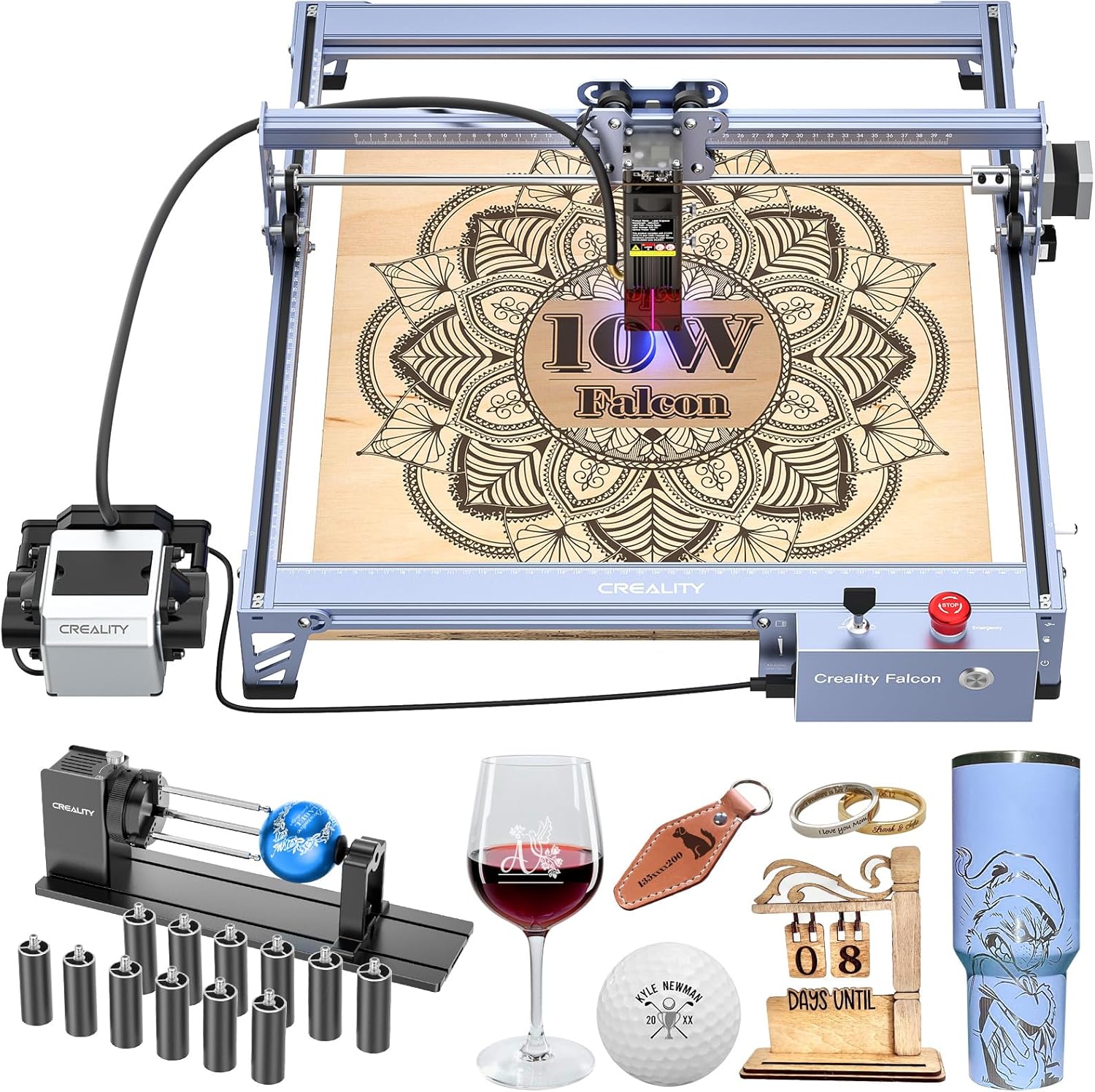
Overview: Creality’s Falcon Pro 10W is a higher-power upgrade designed for users who demand serious cutting and engraving capabilities with safety and ease of use. This 10W class Ⅲa laser, coupled with a 3-in-1 Rotary Roller Kit, improved air assist, and a simplified control box, emphasizes a user-friendly experience. It leverages a 6-lens array delivering a 0.06mm spot, enabling finer detail and stronger performance on wood, metal, paper, glass, and other common materials. The offline TF card workflow and safety-centric design make it approachable for beginners and powerful enough for more experienced hobbyists.
In practical terms, Falcon Pro offers a compelling balance between performance, safety, and convenience. The 10W class offers deeper marks and quicker material removal on softer substrates and certain plastics, with the safety features (emergency stop, protective cover, safety lock) helping curb misuse. The offline operation with TF card means you can run jobs without a computer, which is a plus for workshops or classrooms. For advanced users, the combination of rotary, air assist, and a clearer control flow can shorten setup times and improve consistency across repeated jobs.
Pros
- Powerful 10W laser with 0.06mm spot focus
- 3-in-1 Rotary Roller Kit adds versatility for vessels and turned objects
- Integrated air assist and safety features
- Offline TF card operation for standalone use
- Simplified control box and clear status indicators
Cons
- Higher price within the range
- Class IIIa requires strict safety practices for beginners
- Frequent calibration may be needed for optimal results
Frequently Asked Questions
We’ve compiled answers to the most common questions about laser engraverss to help you make an informed decision.
Conclusion
This comparison highlights how modest power differences can dramatically affect project scope, throughput, and material compatibility.
If you’re starting with small crafts and want safe, simple operation, ACMER S1 variants offer compelling value. If your work requires thicker cuts or cylindrical engraving, Falcon2 22W or Falcon Pro 10W provide stronger performance with thoughtful safety features.
The Longer Ray5 stands out for projects that benefit from a larger work area without jumping to industrial-grade pricing. Your choice should hinge on intended materials, project size, space, and how much you value offline operation and rotating capabilities..