Here’s an overview of the Best Wifi 7 that we’ll explore today:
Wi-Fi 7 (802.11be) routers are entering mainstream homes, promising higher throughput, lower latency, and more reliable performance in multi-device households, gaming setups, and 4K/8K streaming. The models below span a budget option, mid-range contenders, and premium tri- and dual-band configurations, all built around the Wi-Fi 7 standard and Multi-Link Operation (MLO) to maximize throughput by aggregating bands and optimizing spectrum use. Our testing approach combines synthetic throughput measurements, real-world client performance across multiple devices, throughput under load (gaming, video conferencing, and large file transfers), mesh interoperability, and user experience factors like app-based management, VPN capabilities, and security features. We evaluate range, multi-user performance, port provisioning (2.5G WAN/LAN), USB functionality, and ecosystem advantages (EasyMesh, AiProtection, HomeShield). The lineup covers TP-Link’s BE-series (BE230, BE400, BE550), GL.iNet’s Flint 3 (BE9300), and ASUS RT-BE58U, representing mainstream consumer-friendly options and a more flexible VPN-centric router in a tri-band design.
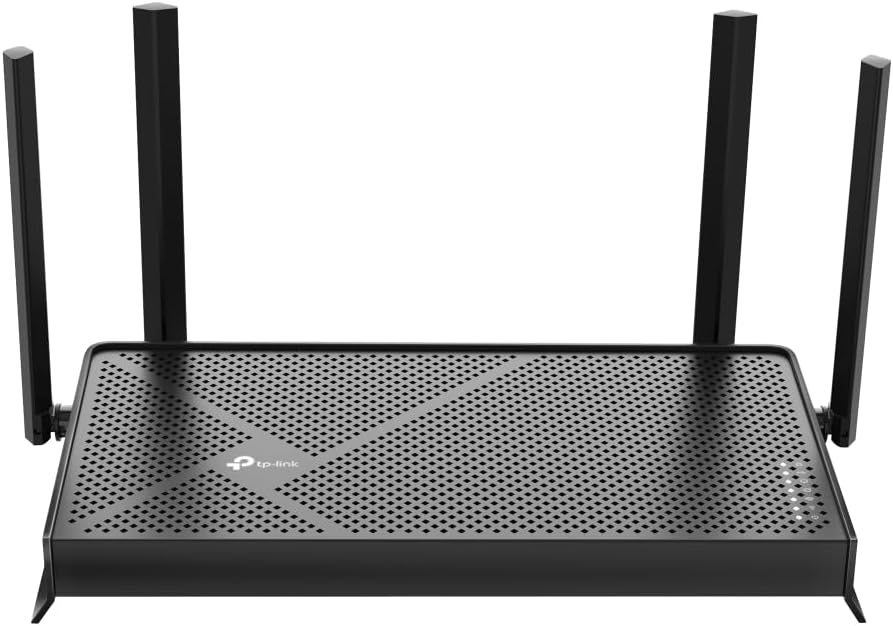
1. TP-Link Dual-Band BE3600 Wi-Fi 7 Router Archer BE230 | 4-Stream | 2×2.5G + 3×1G Ports
- Brand: TP-Link
- Manufacturer: TP-Link
Overview: The Archer BE230 aims at delivering Wi-Fi 7 with a cost-conscious price point, featuring dual-band operation, two 2.5G ports plus three 1G ports, USB 3.0, and a quad-core CPU. TP-Link emphasizes EasyMesh compatibility, HomeShield security, Private IoT, and VPN capabilities, making it an attractive starter Wi‑Fi 7 option for households that want a future-ready network without a premium price. Design-wise, it ships in a compact form with four external antennas, and TP-Link’s Tether app promises straightforward setup and remote management, with voice control compatibility via Alexa/Google Assistant. Prospective buyers get Multi-Link Operation (MLO) and 4K-QAM to improve overall capacity on mixed-device networks, plus VPN client/server support and a trustable support channel. The BE230 stands out as a budget Wi‑Fi 7 router that still emphasizes security and IoT isolation through HomeShield and Private IoT features.
Performance-wise, the 3.6 Gbps total descriptor (2882 Mbps on 5 GHz, 688 Mbps on 2.4 GHz) suggests strong practical performance for a dual-band router, especially for homes with several 2.4 GHz devices and a handful of 5 GHz high-bandwidth clients. The inclusion of one 2.5G WAN/LAN port and another 2.5 Gbps LAN port enables future-proofing for a gig-plus internet connection, while the three 1 Gbps LAN ports support typical Ethernet-expansion needs. Real-world usage will hinge on the router’s ability to sustain high throughput under load and how well EasyMesh nodes maintain stable roaming; TP-Link’s HomeShield adds a robust layer of security and parental controls. However, the limited number of high-speed ports compared to tri-band contenders means fewer paths for multi-gig devices and potential congestion if you attach multiple USB-connected storage or printer devices.
Pros
- Most affordable Wi‑Fi 7 option in the lineup
- 2.5G WAN/LAN + 2.5G LAN ports enable multi‑gig connectivity
- EasyMesh compatibility and strong TP-Link ecosystem (HomeShield, Private IoT)
- VPN client/server support and TÜ/voice assistant compatibility
- Compact form factor with robust security features
Cons
- Dual-band (not tri-band) may limit multi-device headroom in dense environments
- Single 2.5G WAN and 2.5G LAN ports limit expansion for many multi‑gig devices
- Performance depends on firmware optimization and EasyMesh interoperability
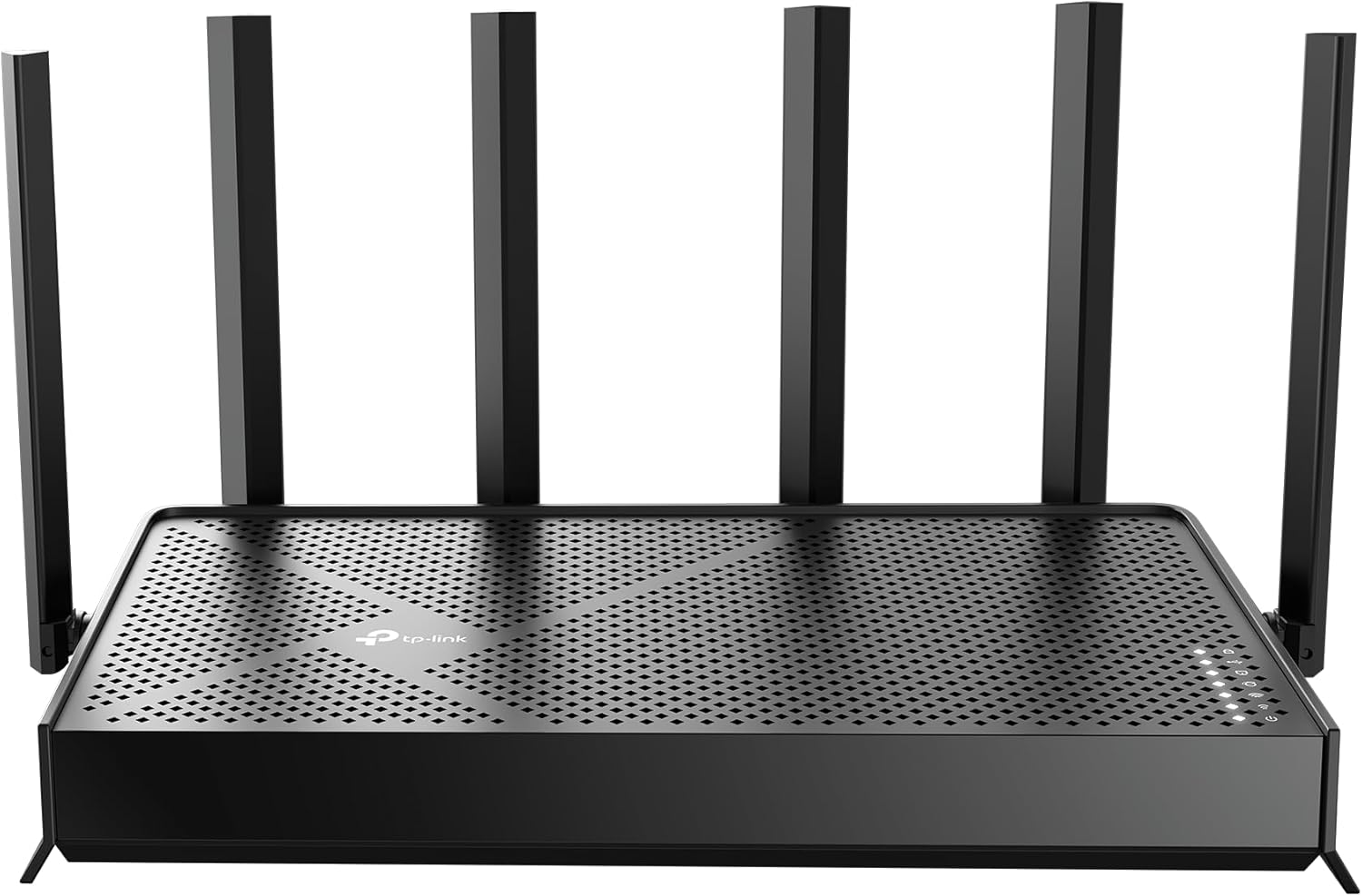
2. TP-Link Archer BE6500 Dual-Band Wi-Fi 7 Router (Archer BE400) | Dual 2.5 Gbps Ports USB 3.0 | Covers up to 2
- Brand: TP-Link
- Manufacturer: TP-Link
Overview: The Archer BE400 targets a mid-range Wi‑Fi 7 experience with six streams and dual-band operation, offering dual 2.5 Gbps WAN/LAN as well as three additional 1 Gbps LAN ports. It is positioned as a robust option for households with multiple high-bandwidth devices, including 4K/8K streaming and gaming, while maintaining TP-Link’s signature manageability via the Tether app and support for EasyMesh. The BE400 emphasizes ultra-fast 6-stream performance and multi-gig capabilities, a design that stands out for users who want greater headroom without moving to a premium tri-band model. It also emphasizes cybersecurity posture through TP-Link’s HomeShield and VPN support, making it a well-rounded choice for security-conscious buyers.
In practical terms, the BE400 delivers claimed total bandwidth of up to 6.5 Gbps (approx. 5764 Mbps on the 5 GHz band and 688 Mbps on 2.4 GHz). The 2.5 Gbps WAN port plus 2.5 Gbps LAN port supports high-speed internet upgrades, while the 3×1 Gbps LAN ports allow local network expansion. The combination of MLO and EasyMesh enables flexible network topology—useful when pairing with TP-Link extenders for larger homes. VPN functionality and HomeShield security are positives for small to mid-sized households concerned with privacy and IoT protection. However, given the February 2025 availability, there may be firmware maturity considerations versus earlier models, and the overall three-antenna design could limit some range compared with higher‑end tri-band rivals.
Pros
- Strong 6-stream performance with high advertised 5 GHz throughput
- Dual 2.5 Gbps WAN/LAN plus 3x 1 Gbps LAN ports
- EasyMesh compatibility and TP-Link security features
- VPN server/client support and robust app-based management
Cons
- Dual-band design vs tri-band competitors may limit range and device density in large homes
- Firmware maturation and software polish may vary post-release
- Router potentially bulkier than entry-level models
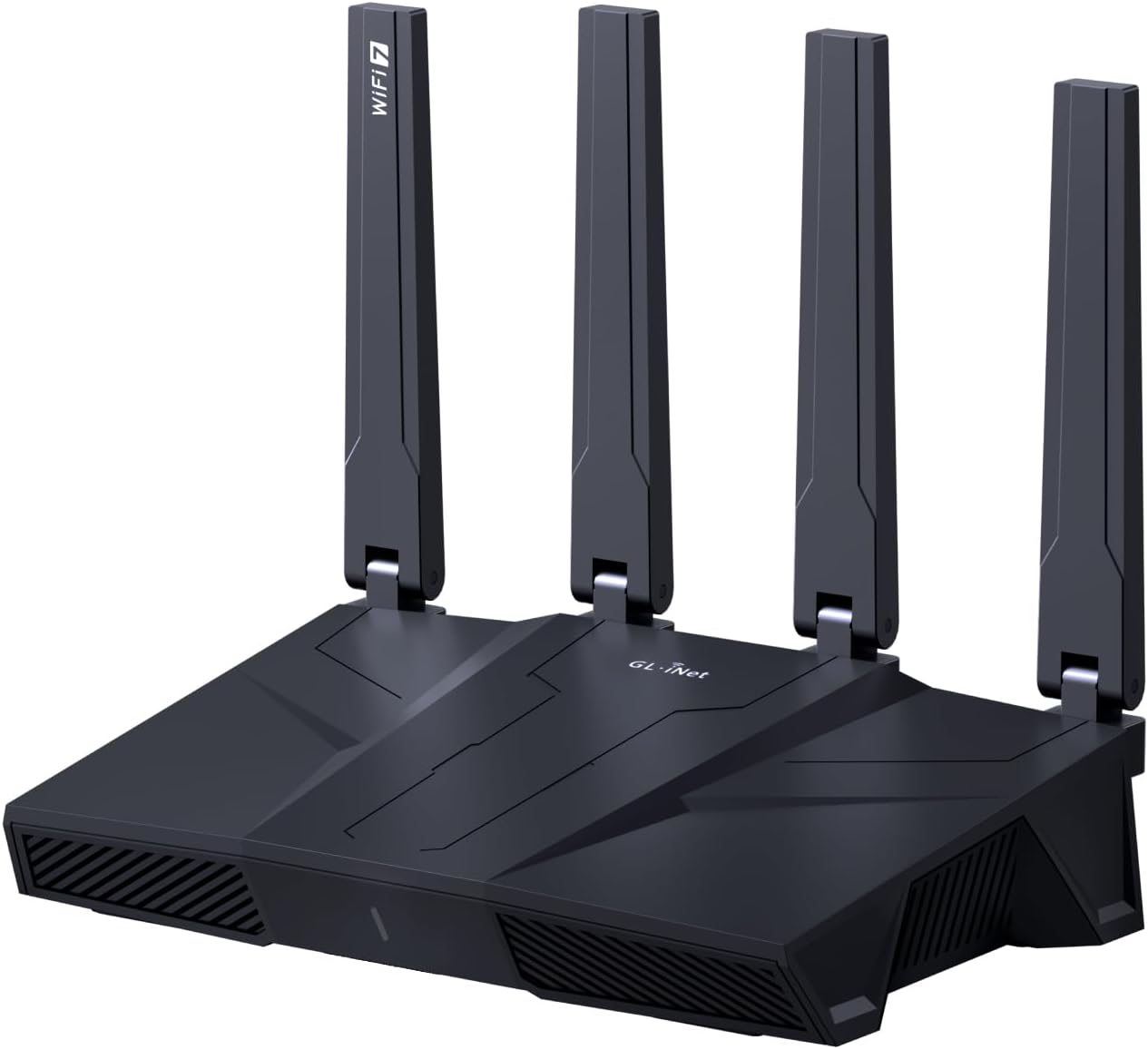
3. GL.iNet GL-BE9300 (Flint 3) Tri-Band WiFi 7 Router
- Brand: GL.iNet
- Manufacturer: GL.iNet
Overview: The GL.iNet Flint 3 is a premium, tri-band WiFi 7 router designed with advanced VPN capabilities and configurable features suitable for power users, gamers, and small offices. It highlights Speed with WireGuard and OpenVPN up to 680 Mbps, AdGuard Home support for DNS-level ad blocking, and a large capability for many devices. The device emphasizes MLO, OFDMA, 4K QAM, and a long-range mindset, with a practical depth in functionality including Bark integration for parental control and a more flexible, plugin-friendly approach to custom firmware and services. This model targets users who want strong VPN performance, high configurability, and expanded device support beyond typical consumer routers.
Performance-wise, the Flint 3’s tri-band design and 2.0 GHz quad-core CPU is tailored for heavy VPN workloads and dense environments. With up to 2,000 square feet of coverage stated, it aims at larger floor plans and potentially multi‑story setups. The VPN performance is a clear differentiator: OpenVPN and WireGuard throughput up to 680 Mbps are compelling for remote work and gaming without needing third‑party devices. The price at $199.99 reflects its advanced feature set, large device capacity, and emphasis on security integration, though real-world VPN speeds will depend on the VPN server, network environment, and firmware efficiency. The user experience benefits from GL.iNet’s web admin interface and strong emphasis on customization.
Pros
- Tri-band Wi-Fi 7 with up to 9 Gbps total theoretical throughput
- Strong VPN performance (WireGuard/OpenVPN up to 680 Mbps)
- AdGuard Home DNS-based ad blocking and Bark parental controls
- High device capacity and extensive customization options
- MLO, OFDMA, and 4K-QAM for improved efficiency
Cons
- Premium price relative to dual-band peers
- May require more technical know-how for optimal use
- Compatibility and ecosystem are less seamless with mainstream consumer apps
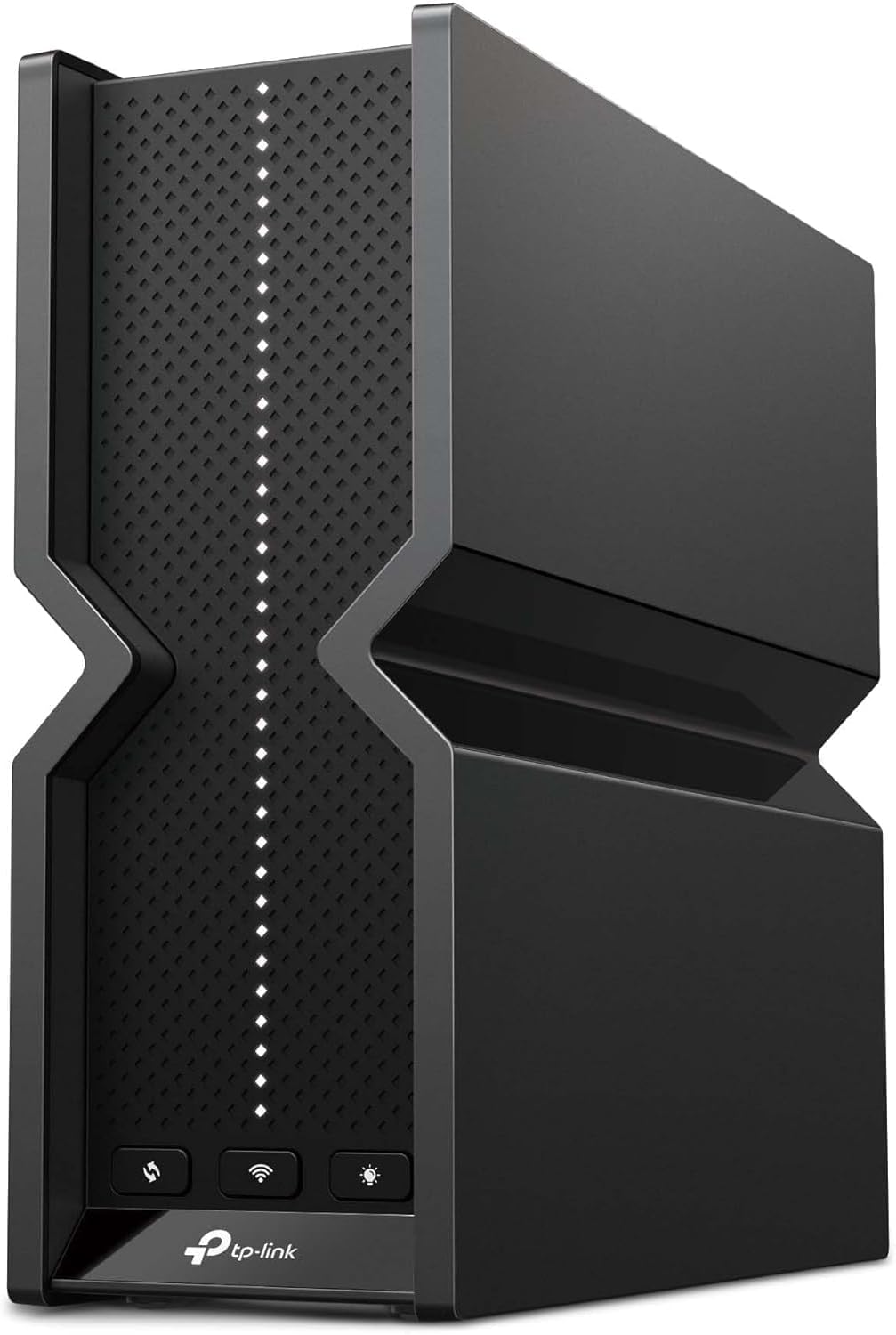
4. TP-Link Tri-Band BE9300 WiFi 7 Router (Archer BE550) – 6-Stream
- Brand: TP-Link
- Manufacturer: TP-Link
Overview: The Archer BE550 is TP-Link’s tri-band, higher-port-count entry in the BE550 lineup, featuring full 2.5G WAN and four 2.5G LAN ports, plus six streams and six‑internal antennas. It supports EasyMesh, HomeShield, Private IoT, and VPN client/server, making it a strong choice for future-proofed homes that want to run multiple high-speed devices and IoT networks with robust security. The BE550’s emphasis on premium components and beamforming targets households seeking reliable gaming, streaming, and smart-home activity with expanded wired flexibility and easier mesh extension using TP-Link’s ecosystem.
Performance-wise, the BE550’s 6, 5, and 2.4 GHz band speeds (5760 Mbps, 2880 Mbps, 574 Mbps respectively) and 2.5G WAN/LAN plus four 2.5G LAN ports offer substantial headroom for multi-device, multi-application workloads. The four high-performance antennas, combined with Beamforming and MIMO capabilities, are designed to sustain high throughput across larger homes and multi-story layouts. The BE550 supports EasyMesh for seamless mesh integration and TP-Link HomeShield for security, parental controls, and IoT protection. A potential downside is the higher price within the TP-Link BE line and the possibility that some users may not need four 2.5G LAN ports if their internet plan doesn’t require it yet.
Pros
- Full 2.5G WAN + four 2.5G LAN ports for future-proofing
- Tri-band with strong throughput on all bands
- Extensive coverage and EasyMesh expansion
- TP-Link HomeShield and Private IoT security
- Voice assistant integration and app-based management
Cons
- Higher price vs BE230/BE400 in the same line
- Bulkier form factor and power consumption considerations
- Overkill for smaller apartments with modest bandwidth needs

5. ASUS RT-BE58U WiFi 7 BE3600 AiMesh Extendable Router
- Brand: ASUS
- Manufacturer: ASUS
Overview: The ASUS RT-BE58U emphasizes AiMesh extendability, with Beaming capabilities like MLO, AI Detection, and a 2.5G WAN port plus four 1G LAN ports. It targets users who want ASUS’s AiMesh ecosystem for flexible multi-router deployments, alongside commercial-grade security features (AiProtection Pro) powered by Trend Micro and robust parental controls. The dual-band BE3600 designation may be a mislabeling in the spec set, as the device advertises WiFi 7 (802.11be) with 3600 Mbps theoretical throughput, so it sits as a strong, extendable option for hybrid homes where existing ASUS devices can be integrated into a larger mesh system.
In practice, the BE58U’s strengths lie in its extendability and security suite. The AIWAN detection and USB tethering options enable alternative connectivity strategies, including mobile broadband backup. The four 1G LAN ports, plus 2.5G WAN, offer flexible wiring and device segmentation within AiMesh. For users with compatible ASUS devices, the mesh experience can be particularly smooth, with centralized management and consistent firmware updates. A potential caveat is the dual-band limitation compared to true tri-band competitors and the need to invest in additional ASUS routers for comprehensive mesh coverage.
Pros
- AiMesh extendability with strong ASUS ecosystem
- 2.5G WAN port and 4x 1G LAN ports for flexible wiring
- AiProtection Pro security and parental controls
- AI WAN detection for automatic WAN optimization
- USB connectivity and potential for mobile tethering
Cons
- Dual-band designation may limit range in dense homes
- Mesh performance depends on compatible ASUS nodes
- Security features require ongoing subscription or updates
Frequently Asked Questions
We’ve compiled answers to the most common questions about wifi 7s to help you make an informed decision.
Conclusion
.
.
Final thoughts here.